
What does free YouTube downloading mean?
There are two different meanings of downloading from YouTube. The first is official offline viewing inside the YouTube app, which is available only in selected areas or through YouTube Premium and keeps the file encrypted in the app. The second is saving a media file that you have permission to use, such as your own upload, a public-domain lecture, or a creator’s openly licensed video.
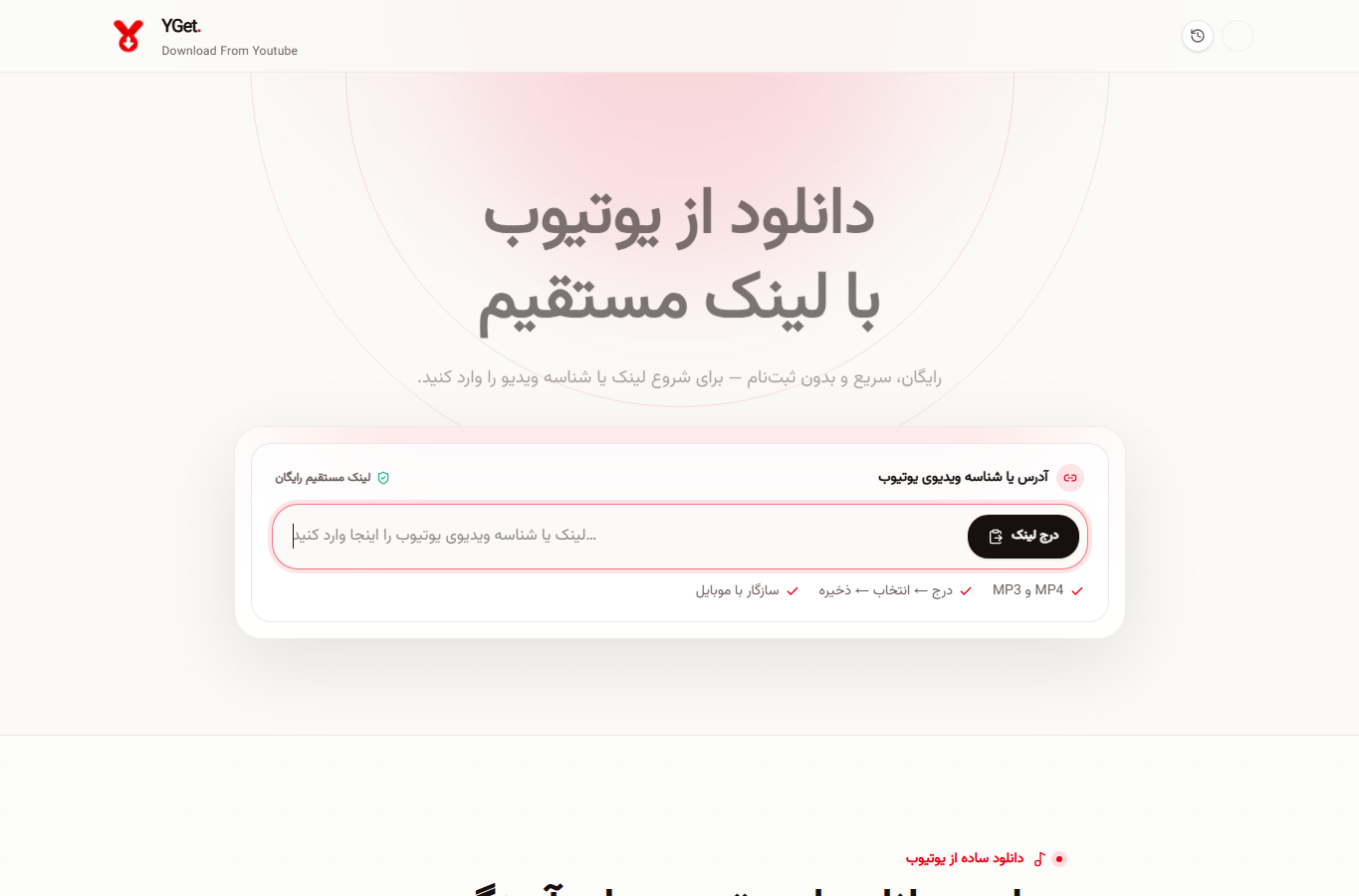
The simple YGet workflow
For the second case, copy the complete video URL, open YGet.ir, paste the link, and review the available format and quality. A short video for a phone does not need the same file size as a 4K archive for a television. YGet keeps this link-based workflow simple instead of making you install several tools or guess format codes.
What a downloader prepares
A downloader may need to inspect separate video and audio streams, resolutions, containers, captions, and thumbnails before preparing one result. For your own uploads, YouTube Studio and Google Takeout are the official first choices; YGet is useful when you need a convenient browser workflow for permitted content.
Permission comes first
Use the free route responsibly. Check the creator’s permission, the licence, and the rules that apply where you live. Keep the original URL with the saved file, choose a sensible quality, and treat an offline copy as a way to work with content you are entitled to keep—not as a replacement for supporting the creator.
Tested steps
- Copy the complete YouTube URL from the Share menu, then paste it into YGet’s link field.
- Wait for the available video and audio results; do not guess a format code or use a second downloader tab.
- Choose a format your phone or computer can open, then download only content you are allowed to save.